Objects of Terror Controls & Ability Inputs
Bindings, ability habits, and beta input tips for both roles.
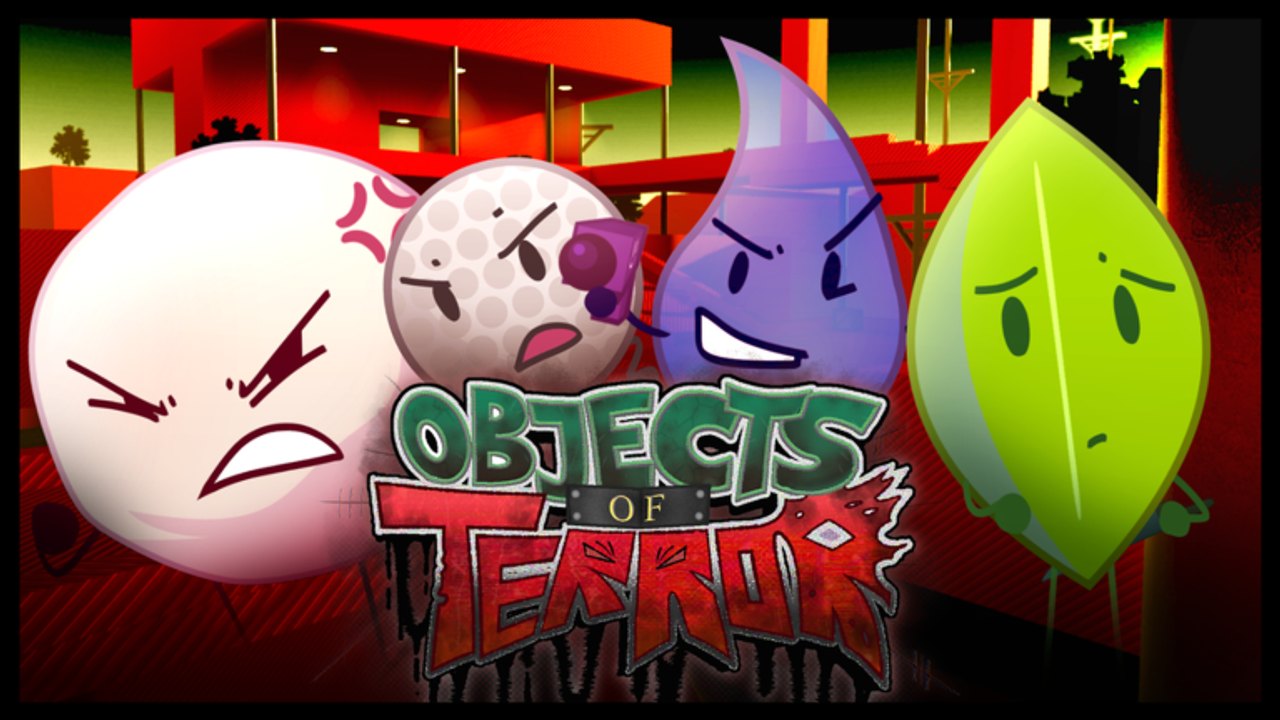
Controls decide chases before cosmetics do
Objects of Terror is a fast Roblox asymmetrical horror game. In the beta, one mis-timed ability input loses a loop, a revive, or an Exit. This page explains how to think about Contestant and Co-Host controls, with concrete notes for Leafy and Announcer. Always re-check Info → Guide in-game after patches, because Fish Frontier can adjust prompts, cooldowns, and mobile behavior.
New to the experience? Start with Getting Started, then return here before your second session.
Universal Roblox movement baseline
Most players will recognize the default Roblox-style baseline:
- Move — WASD (keyboard) or left thumbstick (mobile/controller)
- Camera — mouse look or right thumbstick
- Jump — Space / face button / on-screen jump
- Sprint or movement modifiers — follow the in-game prompt if present for your device
Objects of Terror layers character abilities on top of that baseline. Your priority is not memorizing every cosmetic emote; it is knowing which key or button triggers stun, mobility, zone, and support tools under panic.
Before you queue: settings checklist
- Open the experience settings and confirm camera sensitivity is high enough to track wallwalks and teleports, but not so high that Knife Toss aim shakes.
- On mobile, enable any available shift-lock or camera helpers you are comfortable with; beta mobile fixes continue to land in patch notes.
- Rebind only after you understand default prompts. Bad custom binds create muscle-memory debt when you switch kits.
- Read Info → Guide once per patch week so new ability labels do not surprise you mid-chase.
- If you use a controller, test ability buttons in a quiet lobby corner before first blood.
Contestant controls mindset
Contestants win with spacing inputs, not with button mashing. Every kit has some mix of:
- A pressure or stun tool (example: Leafy Knife Toss)
- A mobility or reposition tool (example: Leafy Blue Skidaddle)
- A passive that changes how you walk/jump (example: Leafy Lofty)
- Support kits add heal / slow / trap inputs (Dr Fizz, Candle, Golf Ball, and others)
Input hygiene for survivors
- Keep your stun finger rested. Panic-dumping knives or grenades on first sight is the most common control failure.
- Separate movement keys from ability keys mentally. If you accidentally fire mobility while trying to stun, you waste both.
- When reviving at a recovery center, pre-position camera toward the likely Co-Host entry so your first input is peel, not confusion.
- Practice jumping with Lofty-style movement on Factory catwalks so jump timing becomes automatic.
Leafy ability inputs (starter main)
Leafy is the best control trainer in the current Contestant roster.
Knife Toss
- Input: the kit’s primary ability bind (follow on-screen Guide prompts for your device).
- Effect: throws a knife that can stun the Co-Host.
- Resource: up to three knives available in the kit fantasy—do not empty the mag on a hunch.
- Control tip: stop strafing for a fraction of a second to stabilize the throw, then resume Lofty movement.
Lofty (passive)
- No active button—this passive improves jump and walk speed feel.
- Control tip: weave short jumps into loop corners instead of holding only flat sprint lines. Vertical micro-routes break Announcer camera tracking.
Blue Skidaddle
- Input: the kit’s mobility/teleport ability bind.
- Effect: teleports you toward the farthest point from the Co-Host.
- Risk: if you are hit during the charge, you take 50% more damage.
- Control tip: start the charge only when a corner already breaks line of sight, or when a teammate stun is confirmed. Cancel mental plans if the Co-Host is already in melee range—eating the amplified hit is a controls discipline problem as much as a game-sense problem.
Deep kit theory lives on the Leafy page; this section is about not misclicking under stress.
Other Contestant input notes
- Blocky — practice Shock Wire placement inputs separately from Crafty Toss and glove punches so you do not chain the wrong tool.
- Teardrop — ranged Throw/Roll and gun tools need camera stillness; hip-fire panic wastes the kit.
- Test Tube — Blue Ray is directional; turn first, then fire.
- Golf Ball — trap/mine inputs should be placed before the chase enters the tile, not during the swing animation.
- Dr Fizz — heal and Pressure grenade binds must stay distinct; healing yourself into a sawblade lane helps nobody.
- Candle — Meditation and healing support require a safe window; do not channel in doorways.
Browse the full roster on Contestants.
Co-Host controls mindset
Co-Hosts manage commit buttons and zone buttons. Over-clicking commits into stuns loses tempo. Under-using zone tools lets recovery centers succeed for free.
Announcer ability table (beta reference)
| Ability | Typical input role | What to practice |
|---|---|---|
| Slice | M1 / primary melee | Short swings around 27.5 damage windows; avoid holding swing into obvious stun range |
| Budget Cutter | Q / ability 1 | Sawblade windup timing, poison lane placement, loop cuts; tied to BUDGET CUTS badge progress |
| R.U.N E | Mobility / rush ability | Steering through obstacle-course style routes; use for rotate and sudden pressure |
| Bugs | R / ability slot | Flush campers, delay revives, disrupt stacked doorways |
| Spider Legs | Movement toggle/ability | Wallwalk entries on Factory and Mansion; rebind only if default feels unreachable |
Full Announcer strategy: Announcer and How to Play Co-Host.
MePhoneX and Evil Leafy input focus
- MePhoneX — separate charge commit from laser punish and Isolation. Do not mash all three the moment you see a survivor.
- Evil Leafy — teleport is high difficulty. Practice confirm-look then teleport so you do not arrive facing a wall while Leafy knives are mid-air.
Mobile vs desktop habits
Beta patch notes have called out mobile fixes. On phones and tablets:
- Keep ability buttons unobstructed by your grip.
- Prefer slightly lower camera sensitivity if your thumbs overshoot Knife Toss.
- Practice one ability at a time in empty space before live chases.
- Expect UI tweaks across beta; re-read Guide after updates.
Desktop players should still respect mobile lobbies—you will hunt and survive against mixed input methods in online multiplayer servers.
Training drills (15 minutes)
- Leafy knife discipline — throw one knife, loop for five seconds, throw one knife. Never throw three in the first second.
- Skidaddle charge safety — start Blue Skidaddle only after breaking line of sight ten times in a row successfully.
- Announcer Slice spacing — approach, feint, swing once, reset. Count how often you eat a stun afterward.
- Budget Cutter windup — place the sawblade on a doorway, then walk away; learn patience.
- Revive camera drill — at a recovery center, lock camera to the entry before starting any revive input.
Troubleshooting bad inputs
- I keep teleporting into the Co-Host — you are charging Skidaddle in melee. Break LOS first.
- I swing and instantly get stunned — your Slice timing is predictable; feint more.
- I cannot wallwalk and fight — separate Spider Legs travel from Slice commits; arrive, then attack.
- Mobile buttons miss — enlarge accessible UI options if available and slow your camera.
- I forget which kit key is which — main one Contestant and one Co-Host for a week.
Related pages
Clean controls make every other guide work. Bind with intention, practice under calm conditions, then take that discipline into the 1v7 chaos.
Frequently Asked Questions
Quick answers for Contestants and Co-Hosts.
Where do I see official control prompts?
Open Info and select Guide in-game. Prompts can change during the Objects of Terror beta, especially after mobile and QOL patches.
What is the biggest Leafy input mistake?
Charging Blue Skidaddle in melee range. Getting hit during the charge deals 50% more damage.
How do I practice Announcer without feeding?
Drill single Slice commits, Budget Cutter windups on empty doorways, and Spider Legs arrivals before you chain abilities in live chases.
Should I rebind everything on day one?
No. Learn defaults first, then change only keys that block your stun or mobility under panic.
Do controls differ for Contestant and Co-Host?
Movement baselines are similar, but ability roles differ: Contestants prioritize stun/mobility/support timing, while Co-Hosts manage melee commits and zone denial tools.